
Instagram Profile Picture Downloader
See and save any Instagram DP in full size.
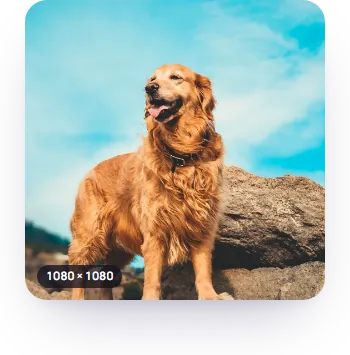

Type a username or paste a profile link to get that account's Instagram DP at the size it was uploaded, then zoom in or save it as a JPG. It's the same photo as the small circle on their profile, only bigger.
How do I download someone's Instagram profile picture?
Type their username, or paste the link to their profile, and press Download. The picture opens at the size it was uploaded, with its width and height in pixels. Save JPG puts the file on your phone or computer. Full size lets you zoom in first, and Copy link gives you a link that opens this result again.
What size is an Instagram profile picture?
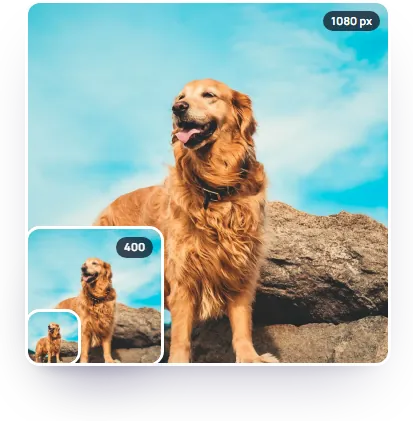
Whatever size the owner uploaded, up to 1080 × 1080 pixels. Instagram's own page shows logged-out visitors a 150 × 150 copy, which is why a screenshot of someone's DP looks soft. Big accounts don't always have big pictures:
| Account | Uploaded size |
|---|---|
| @nasa | 1080 × 1080 |
| @natgeo | 400 × 400 |
| @therock | 150 × 150 |
Checked on 20 October 2026. Instagram also keeps stretched 320 and 640 pixel copies of small uploads. We skip those and give you the original, so a 150 pixel picture stays 150.
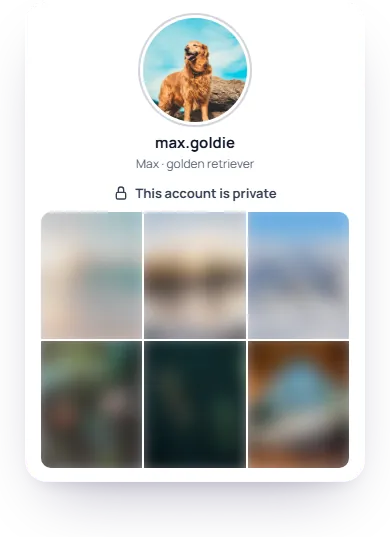
Can I see a private account's profile picture?
Yes. A private account hides its posts, stories and follower list, but never its profile picture. Anyone can see it, so it loads here like any other account's. The rest of the account stays private: to see their posts you have to follow them and be accepted.
What does DP mean on Instagram?
DP is short for display picture, the name most people in India and across South Asia use for a profile picture. PFP means the same thing. On Instagram it's the round photo at the top of a profile and next to every post and comment.
Will they know I downloaded their DP?
No. Instagram doesn't notify anyone when their profile picture is viewed or saved, and this page never logs in to Instagram, so nothing links the download to an account of yours.
Frequently asked
Can I see someone's old profile picture?
No. Instagram only keeps the current picture public. When someone changes it, links to the old one stop working, so there's nothing left to fetch.
What if the account has no profile picture?
You get Instagram's grey default avatar and a note saying so. There's no photo behind it to download.
Can I save my own Instagram profile picture?
Yes, type your own username. Instagram's Download your information export has it too, but you have to request it and wait for the file.
Is there a daily limit?
Yes: 20 lookups a day per internet connection, shared with the profile viewer. It resets every day.
Can I use someone's profile picture?
Saving it to look at is fine. Reposting it, or using it as your own DP, needs the owner's permission: it's their photo.
Thank you for your review.
Updated